
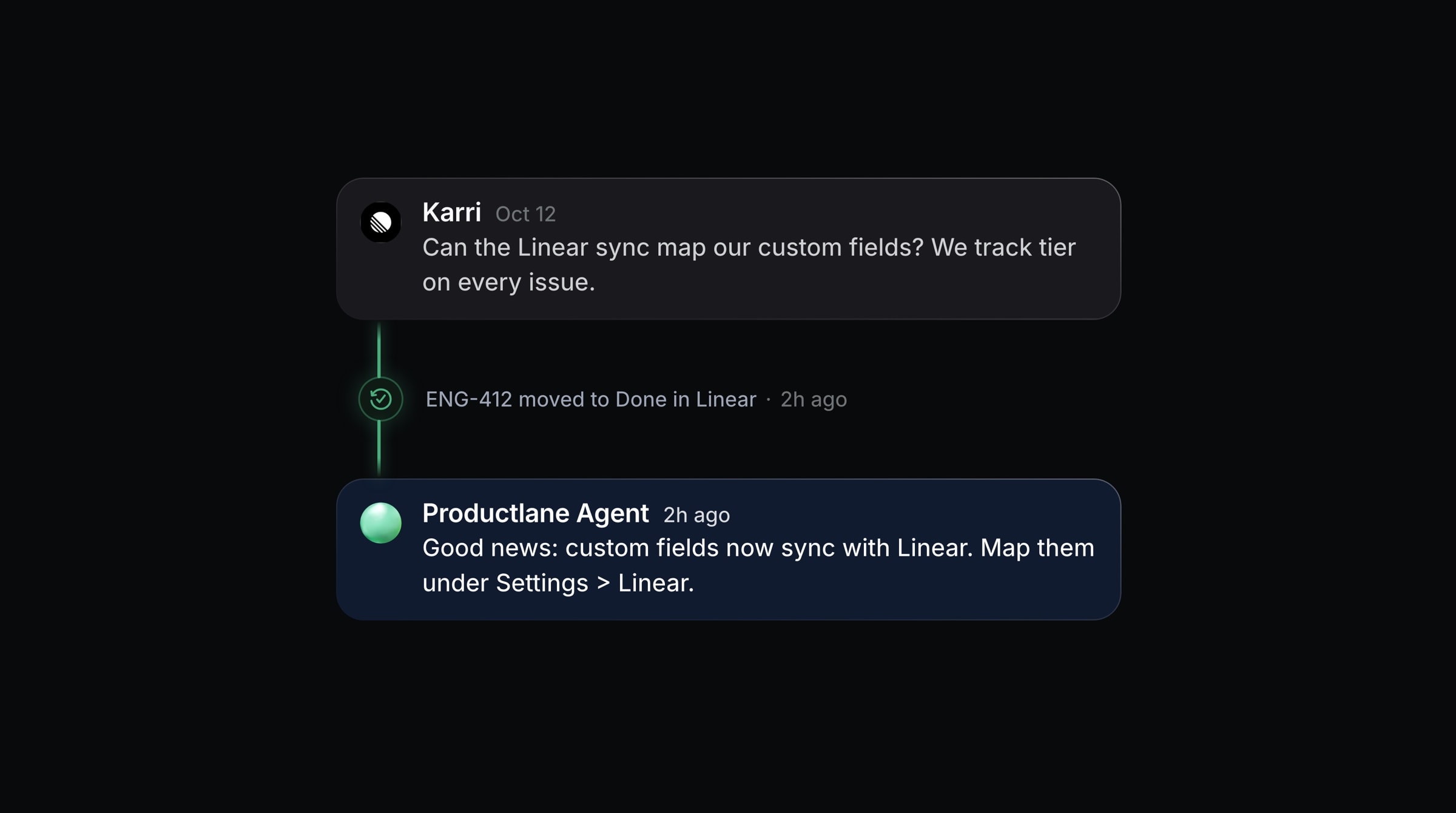
When a customer's request ships, Productlane follows up with the customer who asked. You choose whether the follow-up goes out on its own or waits for you as a draft.
Where to find it
Settings > AI > Close loop. It works on every paid plan.
When it runs
A follow-up is prepared when a thread moves to Close loop:
when a linked Linear issue ships,
when a linked roadmap project is completed, or
when you move the thread to Close loop yourself. This one always waits for you as a draft.
When a project completes, only threads that were not already in Close loop get a follow-up, so re-running a project does not send a second one.
To take a thread out of Close loop, unlink its last issue or project. Productlane then moves the thread to Done and records the unlink on the thread timeline. This works from the thread in Productlane, and when someone removes the customer request in Linear.
Set it up
Turn on Send follow-ups automatically to have the customer hear back in the channel they wrote in, as soon as the work ships.
Under Shipped statuses, pick the Linear statuses that count as shipped. The default is any completed status.
Edit the Message for a reported issue and the Message for an upvote.
Review before sending
With Send follow-ups automatically off and AI Drafts on, the follow-up waits in the composer as a draft instead. Open the thread, edit the draft to fit the customer's history, and send it.
The draft greets the customer, names what they asked about, and tells them it is handled. When the shipped issue or project has no public title, it names the change in the customer's own words from the thread.
The draft is written in the language of the customer's most recent message in the thread, so you do not translate it by hand. When the thread gives no clear language signal, the draft uses the Default Language from Settings > Multilingual.