
Signatures
Sign your emails so a customer knows who replied to them.
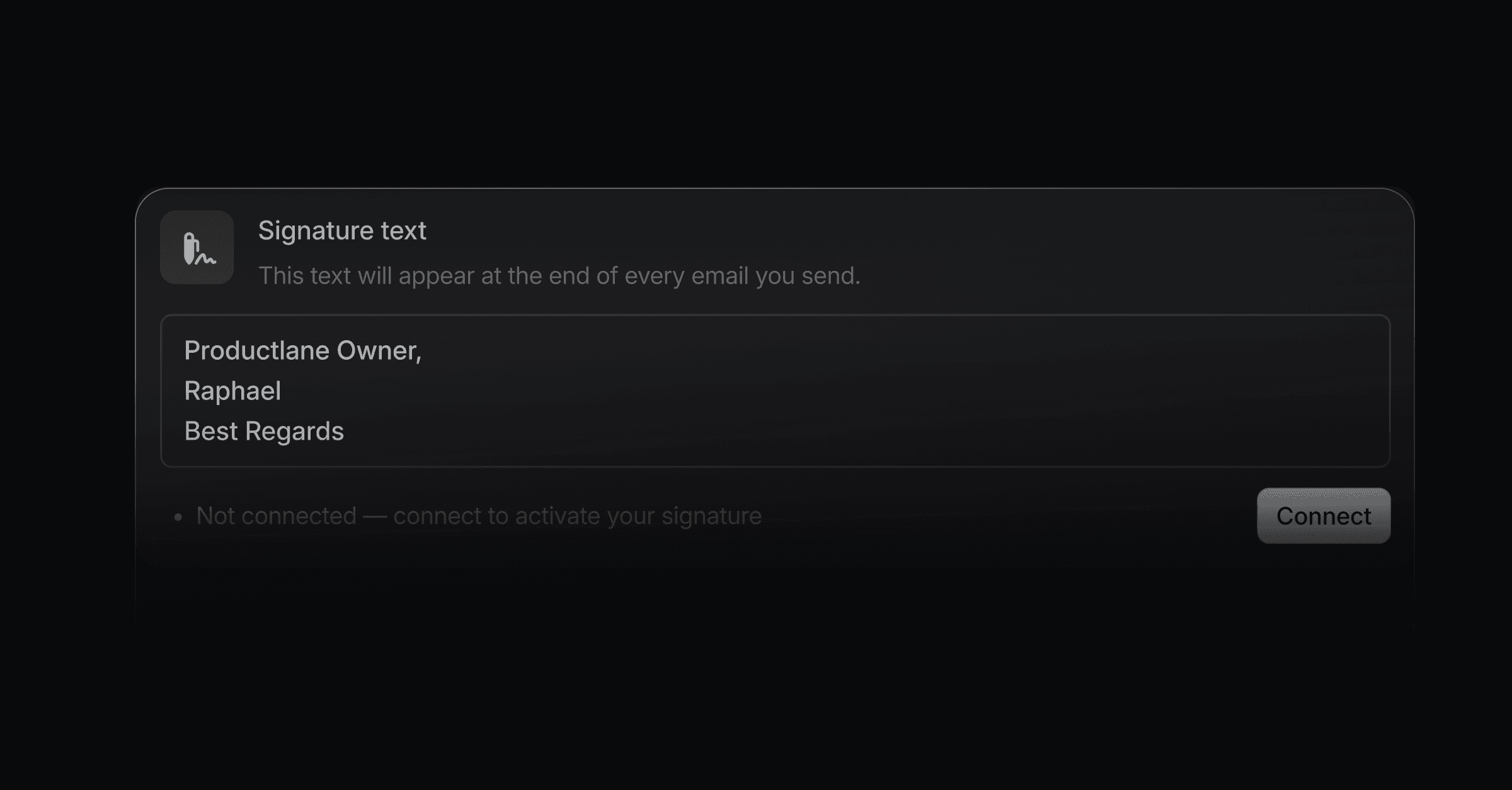
If you communicate with customers directly through Productlane, a signature lets them see who they are talking to. The signature editor supports rich formatting, so your signature can carry more than plain text: bold text, links, and images like a company logo or a linked social icon.
Where to find it
Open Signature settings directly, or go to Settings > Profile > Email signature. Signatures work on every paid plan.
Set it up
Type your signature text in the editor.
Select any text to open the formatting bar, and make it bold, italic, or a link.
Upload an image, like your logo or a social media icon, straight into the editor.
Select the image and add a link to it, so your logo can open your website and a social icon can open that profile.
Your signature saves automatically as you edit it.
Good to know
Add a link to your portal in your signature. Every reply then points the customer to their requests and your roadmap.
Was this helpful?