
Thread importance
Mark how much a thread matters and sort your inbox on it.
Overview
Importance marks how much a thread matters, so your team can sort the urgent conversations to the top and report on what hurts customers most.
Set importance
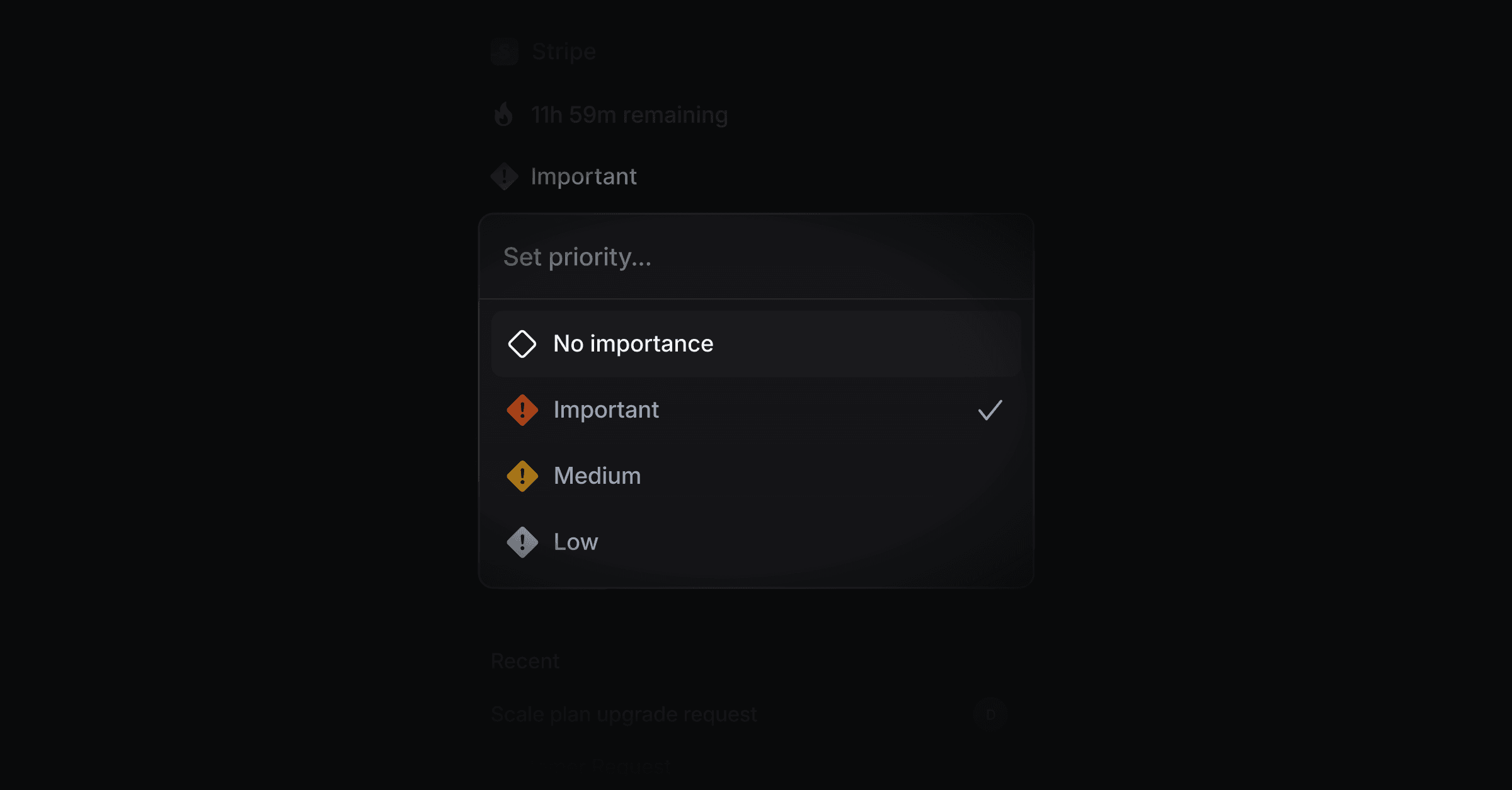
Open a thread and press P, or click Set importance in the thread header. Choose one of:
Important
Medium
Low
No importance (the default)
Where importance is used
Inbox filtering and sorting - filter to high-importance threads or sort your inbox by it to triage the most pressing conversations first.
Reporting - importance rolls up per tag in Reporting, so you can see which themes carry the most weight.
Linear - when you link a thread to an issue or project, its importance carries over as the customer request priority.
AI context - drafts and the AI Copilot factor importance in when they prepare a response.
Was this helpful?