
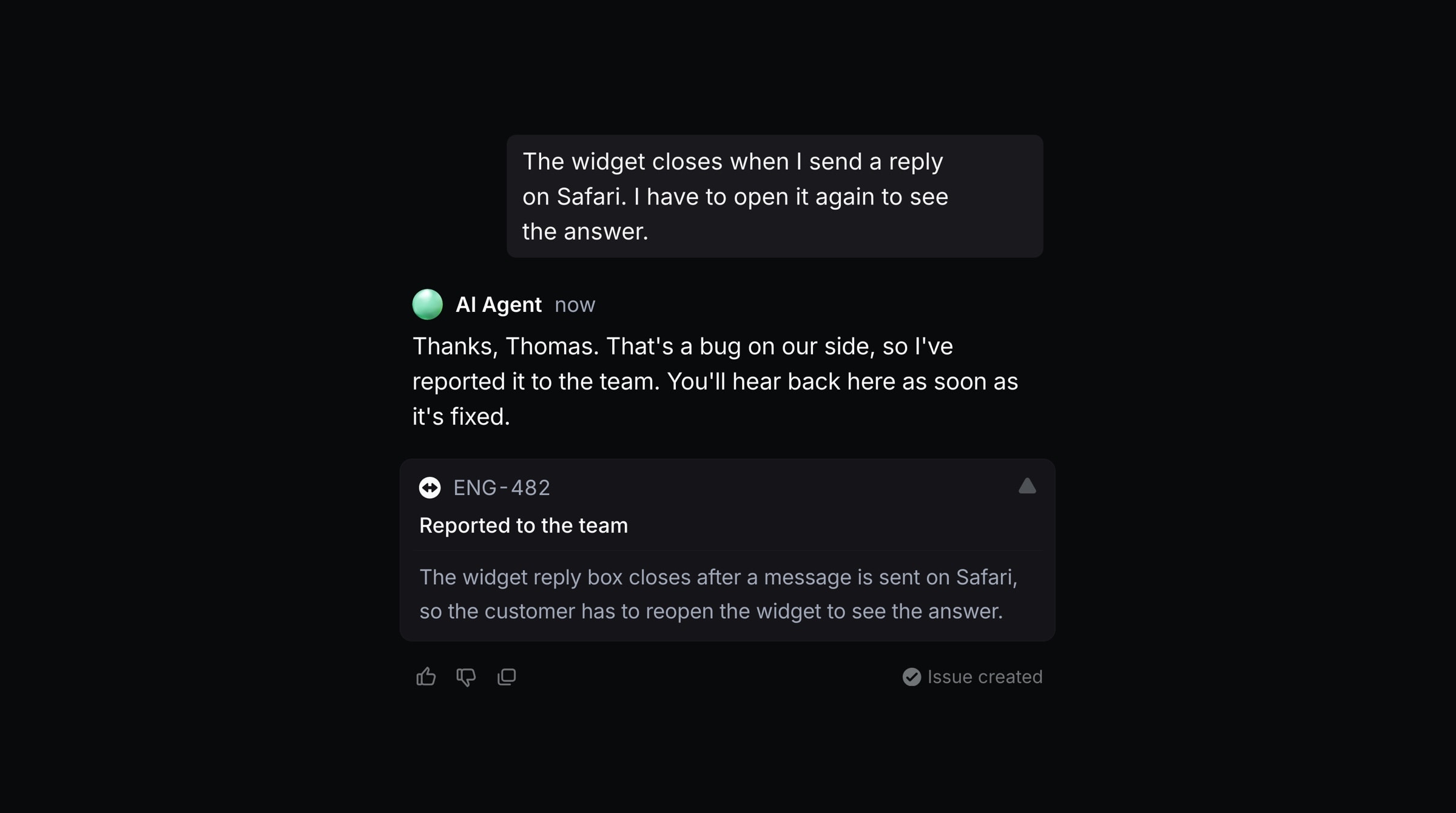
Productlane turns customer reports into Linear issues for you. One setting decides how much the agent does on its own, and one text box decides how every issue reads.
Issue filing
Go to Settings → Integrations → Linear and pick who files issues under Issue filing:
Manual: your team files every issue by hand. The agent drafts and suggests nothing.
Suggest: the agent drafts each issue, and you file it or link the issue that already tracks it. This is the default.
Agent: the agent files bugs and feature requests on its own.
Every thread: each new thread gets its own issue, for teams that run Linear as their ticket queue.
Issue instructions
Under Issue instructions on the same page, tell the agent how your issues should read. Every draft follows them. Use them for your template and sections, the tone, which team gets which kind of report, who to assign, or a request to suggest a fix.
For example: "Use our bug template with steps to reproduce. Assign feature requests to Dima and bugs to Danylo."
The instructions save as you type.
Draft cards on a thread
In Suggest and Agent, every thread without an issue gets one card per problem under Links, a few seconds after the customer writes. A message with two separate problems gets two cards.
Create new issue is a finished issue: a title, a description that names the customer and their company, the team, the priority and the status. With GitHub connected, it also lists where to look in your code. Click the card to file it in Linear. Undo in the confirmation archives it again.
Link PRO-123 means an open issue or project already tracks this problem. The card shows that issue's real title. Click it to add the thread as a customer request on it. Several threads can link to the same issue, so two customers who report one problem both appear as customer requests on it. The agent also matches against open issues filed from other customers' threads. A completed or canceled issue does not match, so a repeat report after a fix gets a new issue.
Hover a card to read the full issue. The pencil opens it in the create dialog so you can change anything first, and the cross dismisses it.
In Agent mode the agent files or links every card itself, a couple of minutes after the thread arrives, so its own reply is sent first.
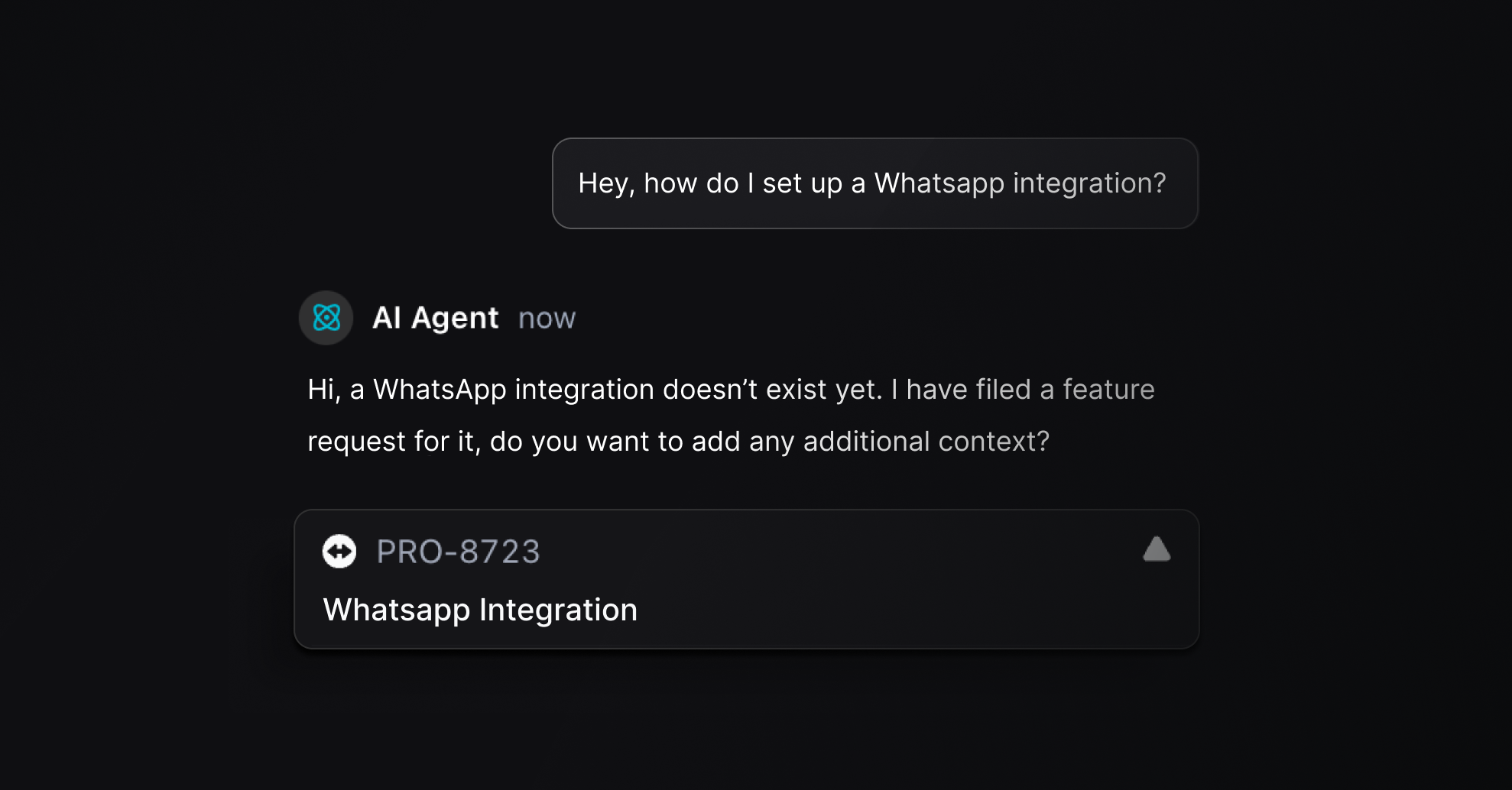
A card disappears once its problem is on the thread, so an issue a routine or the agent filed in the meantime never shows a second card.
Create an issue yourself
Press C on a thread and choose Create issue. The dialog opens with the conversation and changes nothing on its own.
To let the agent help, type into the bar at the bottom of the dialog, for example:
"Fix formatting" turns your text into a short summary with a list of points and bold labels.
"Assign it to me" or "put it in Todo" changes the assignee or the status.
"Make it High" or "move it to the Product team" changes the priority or the team.
The agent edits what is in the dialog and keeps everything you did not mention. While it works, the square button stops it and leaves the issue as it was.
Where an issue goes
Team: the team whose name and description fit the problem best, or the default team when none fits.
Assignee: whoever your issue instructions name. Without a rule, a card goes to the person who handled the most similar issues on that team recently, or stays unassigned for your Linear triage owner.
Status: Triage, or Backlog when the team has no Triage.
Routines
A routine files an issue only when its instructions ask for it, such as "File a Linear issue for a reproducible bug." A rule that only says how an issue should look, like "make bugs from trial customers Urgent in Linear", does not file one.
Requirements
Linear connected, with a default team selected.
GitHub connected, for the code pointers in a draft.
Drafts use AI and count toward your AI usage as Issue drafts.