
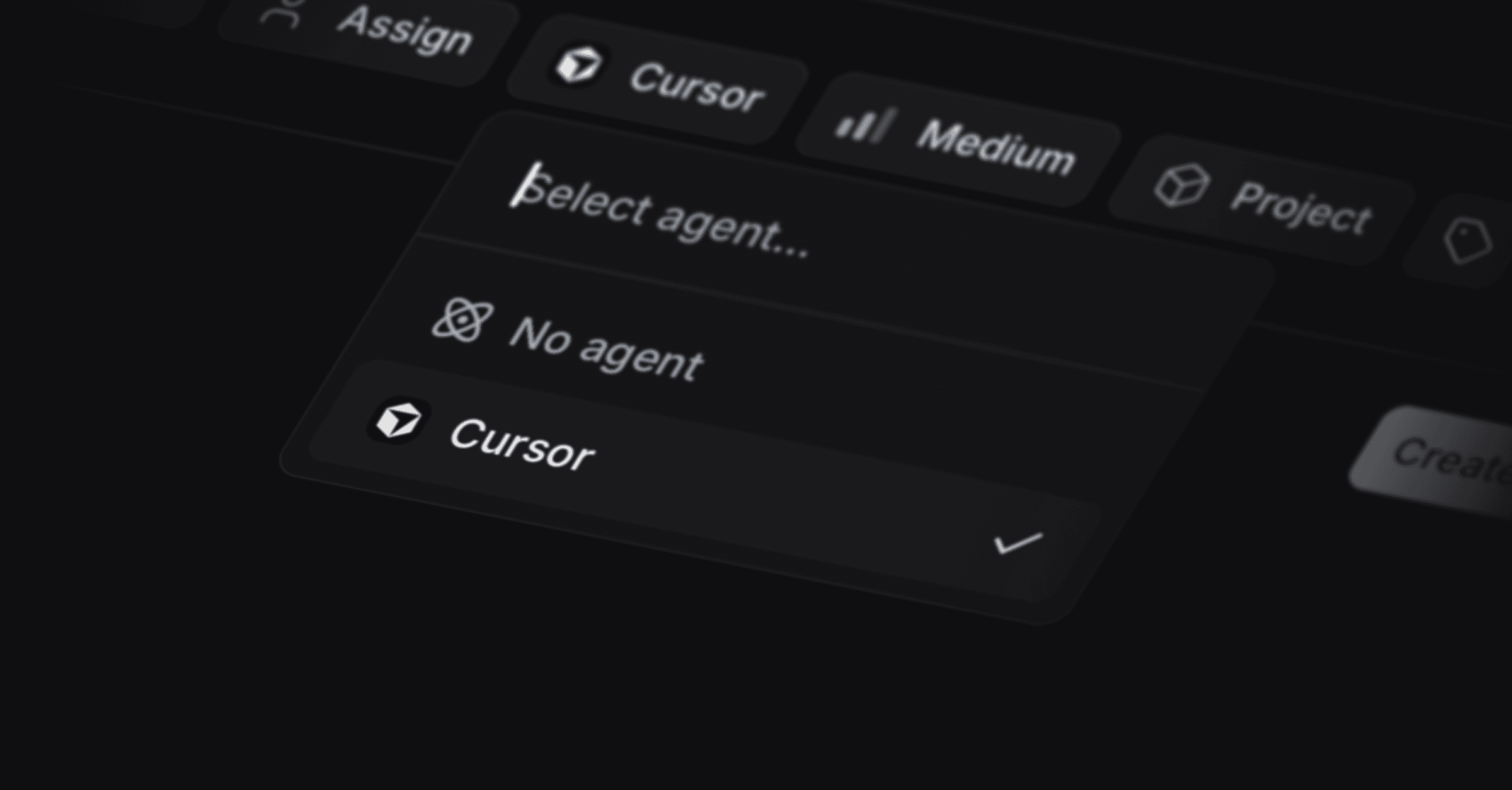
Cursor integration
Connect Cursor Cloud to Productlane and coding agents pick up bug reports from your inbox and work on them in your repository. The integration is in beta and needs the Pro plan or above.
Where to find it
Settings > Integrations > Cursor.
Set it up
- In the Cursor Dashboard, under Integrations, create an API key. Connect your GitHub account in Cursor at the same time, so agents can reach your repositories.
- In Productlane, go to Settings > Integrations > Cursor, paste the key, and connect.
- Pick the Repository the agents work on.
- Choose a Model, or leave it on Default and let Cursor decide.
- Set Recording to Video, Screenshot, or None, depending on what you want captured when a run finishes.
Each of those three settings saves as you change it.
How the work flows
Productlane sends the issue to Cursor Cloud, where an agent works on the repository you picked and tries to resolve it. Screenshots your customers attached to the original report travel with the issue, so the agent sees the bug the reporter saw.
Good to know
- Your GitHub account has to be connected inside Cursor. Without it, agents cannot reach your code and the repository list comes back empty.
- Disconnecting keeps your data and stops the integration.