
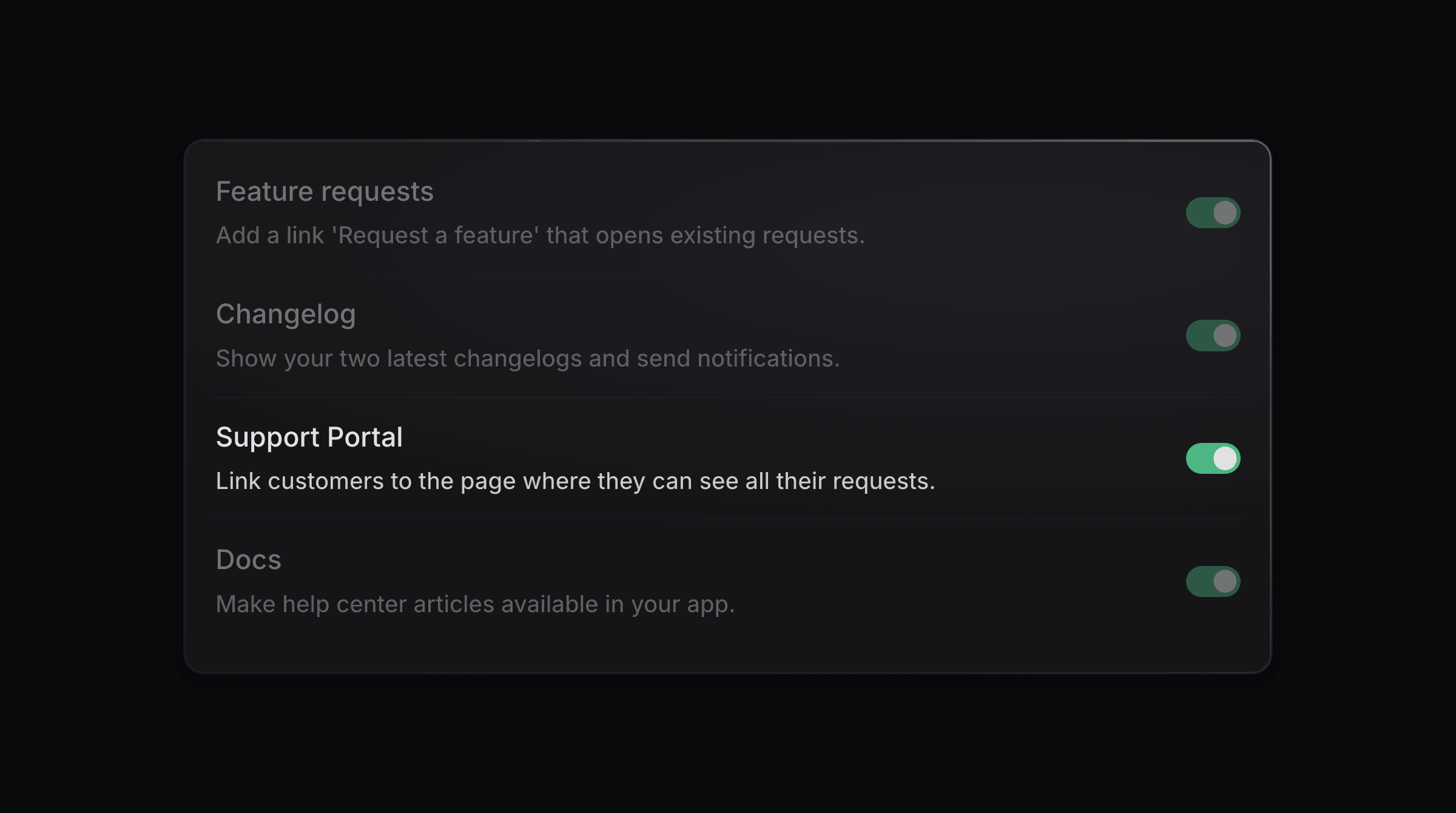
Customers reach the Support Portal in three places: the widget, a link inside your app, and your email signature.
In the widget
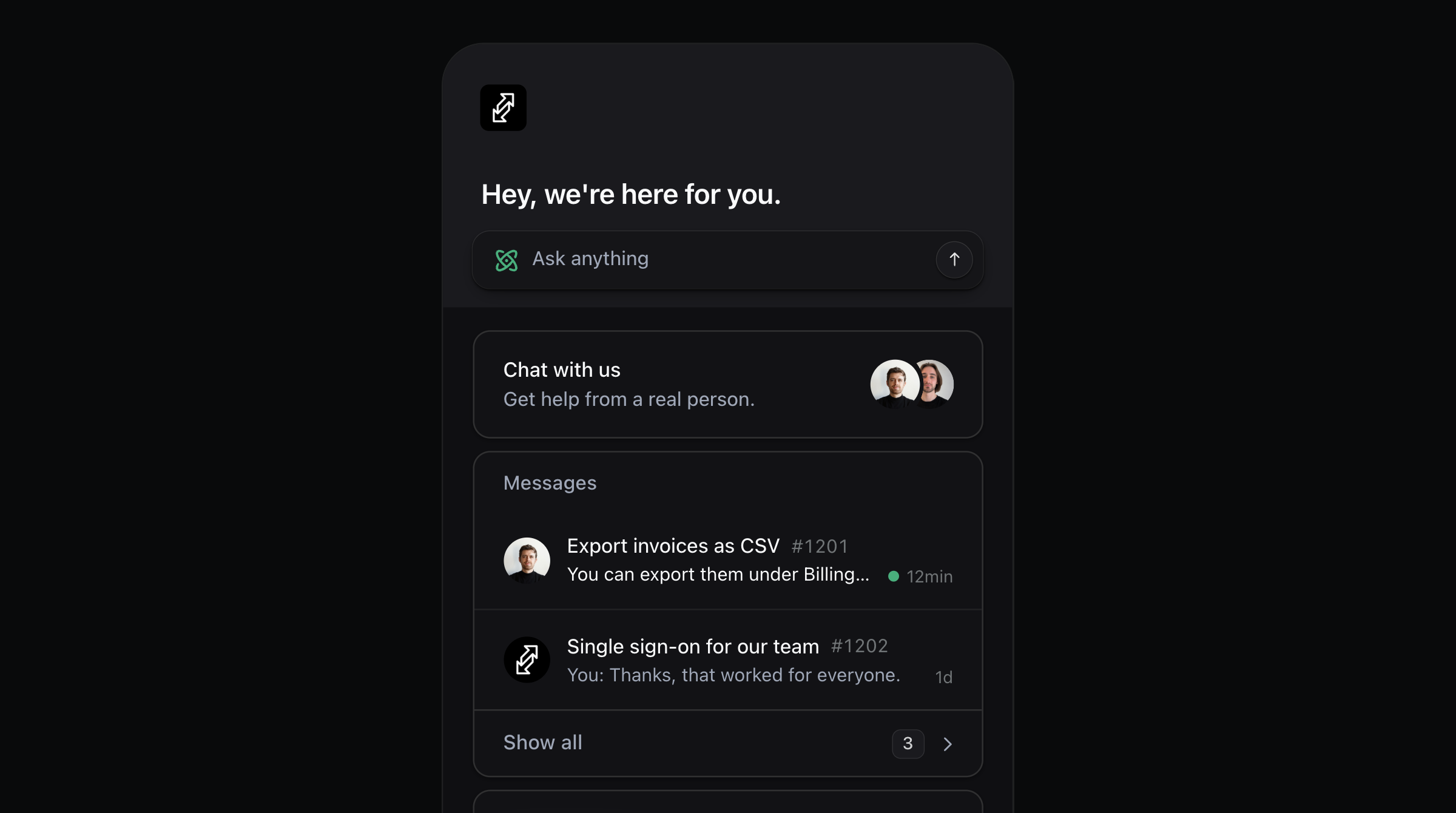
Turn on the Support portal toggle on the widget settings page. The widget then shows a Messages row with a count of the customer's open requests.
In your app
Add a link to the portal anywhere in your product. To sign customers in with your own login, set up SSO.
In your email signature
Put the portal link in your signature, so every reply points the customer back to their requests. See Signatures.