
Turn it on
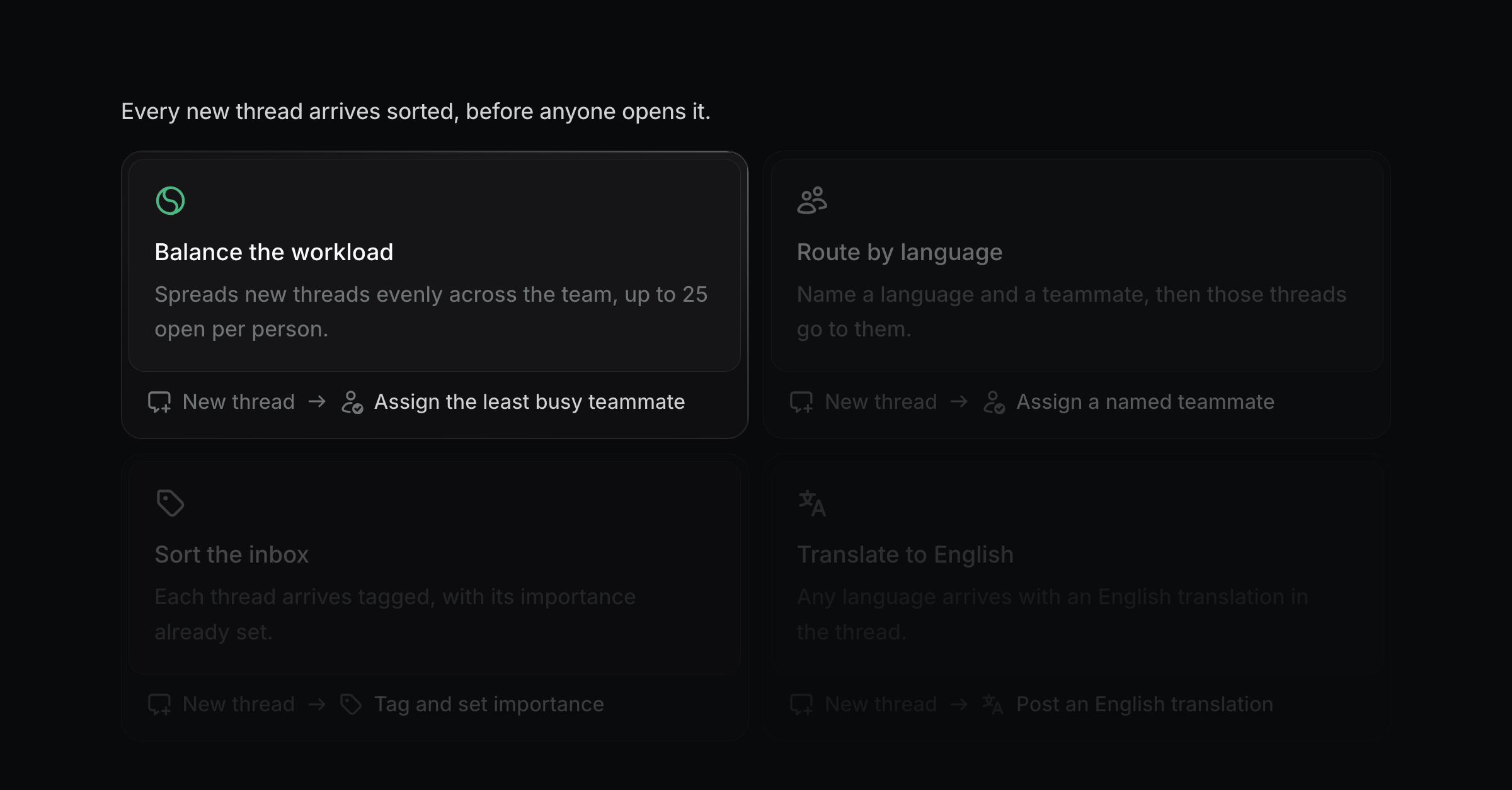
Open Settings → Routines and pick the Balance the workload card. That switches routines on and writes the rule for you:
Balance new threads, max 25 open per person.Change the number to whatever your team can carry. If you already have a routine running, you can also type the line yourself.
What happens to a new thread
Productlane counts the open threads each teammate holds, then assigns the one with the fewest. A tie goes to whoever was assigned least recently, so the work rotates through the whole team. Someone already at the cap is skipped.
The thread's timeline records the choice, so you can see who it went to and why.
When everybody is full
The thread stays unassigned and waits. The moment anyone closes a thread, the oldest waiting one goes to them, so every thread from a busy spell gets picked up without anyone watching the queue.
What counts toward the cap
Only open threads. A thread that is done, snoozed, or closed with the loop carries no weight, so closing your inbox frees your capacity straight away.
Who can receive a thread
Any member or admin in your workspace. Viewers never get one, and neither does anyone who has left.
A thread that already has an assignee keeps it. That covers anything you assigned by hand and anything an earlier rule routed.
Mixing it with your other rules
Balancing takes the threads your other rules did not claim, so put the specific rules first:
Assign threads about billing to Anna.
Balance new threads, max 25 open per person.
Billing goes to Anna. Everything else spreads across the team.
Limits worth knowing
The cap is the same for everyone, so a part-timer who should carry ten while the rest carry twenty-five is not supported yet.
Away and out-of-office status is not read either, so someone on holiday still receives threads. While they are away, remove them from the workspace or assign their threads by hand.