
Docs / Roadmap
Publish your roadmap
Publish a roadmap with all your customer requests from Linear.
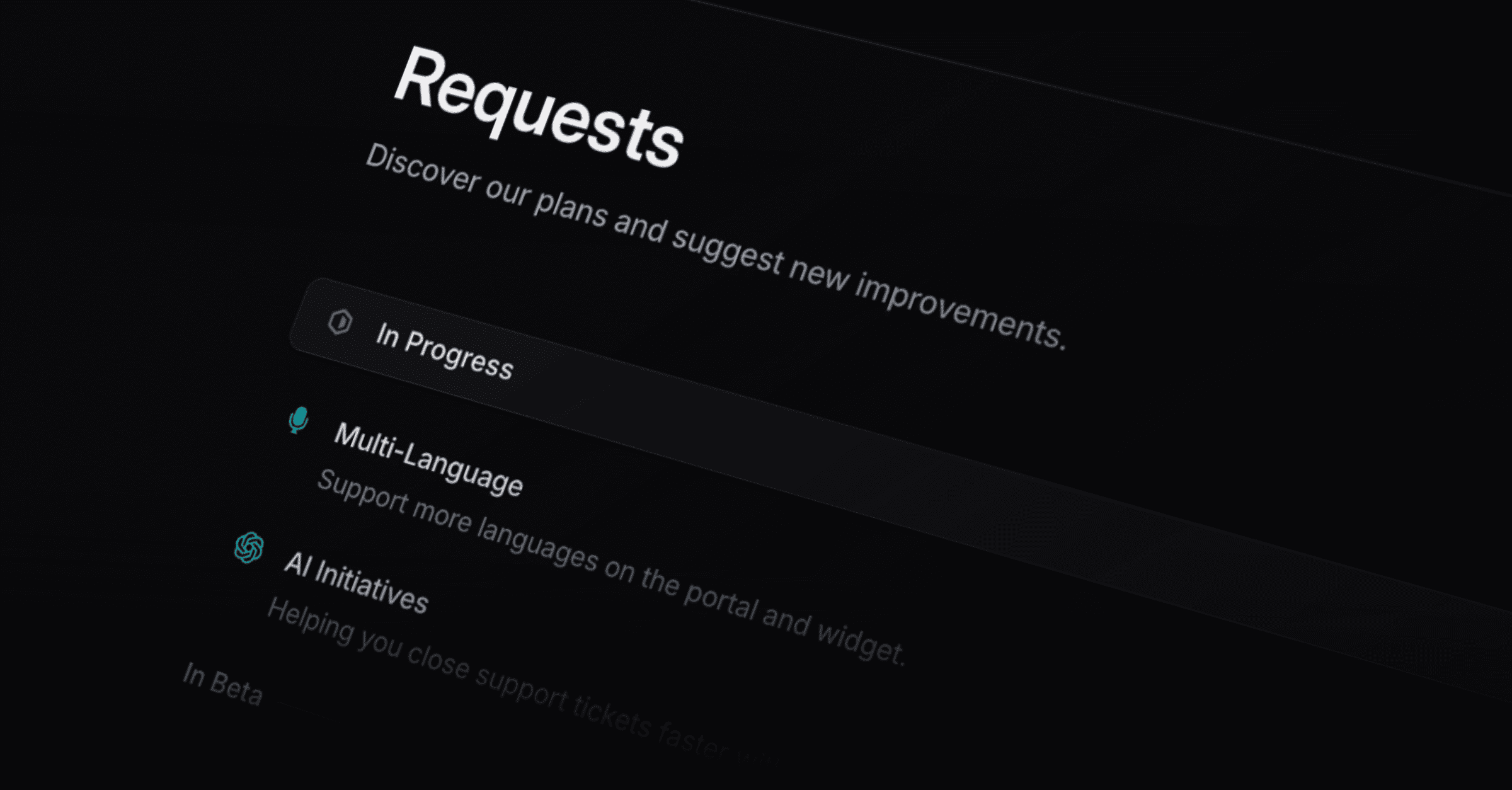
Make Linear projects and issues public for your users to vote or give feedback on. You can only publish Linear issues and projects, nothing else. That way, your users know that everything on there is really visible for engineers and can be acted upon. Every project and issue you see in Productlane, is completely synced with Linear. It’s as simple as that, no double synching or manually pushing updates, it’s all seamlessly connected.
Pro tip: You will get a lot more feedback if you link your portal very prominently within your application.
Projects
Every new project you create in Linear, will automatically appear in the “Pending projects” section, from where you can decide to hide or publish it on your portal. We recommend creating a project for feature ideas that take more than 2 weeks and include multiple people to build it.
Issues
You can also publish issues on your roadmap, by using the “Add issues” button on the top right. In Productlane, you only see issues that you have added manually or that you linked in a note. But every issue you see in Productlane, exists in Linear.
If you’re scared to clutter your Linear or confuse engineers with ideas, we recommend creating a “Feature request” team in Linear.
Beta status
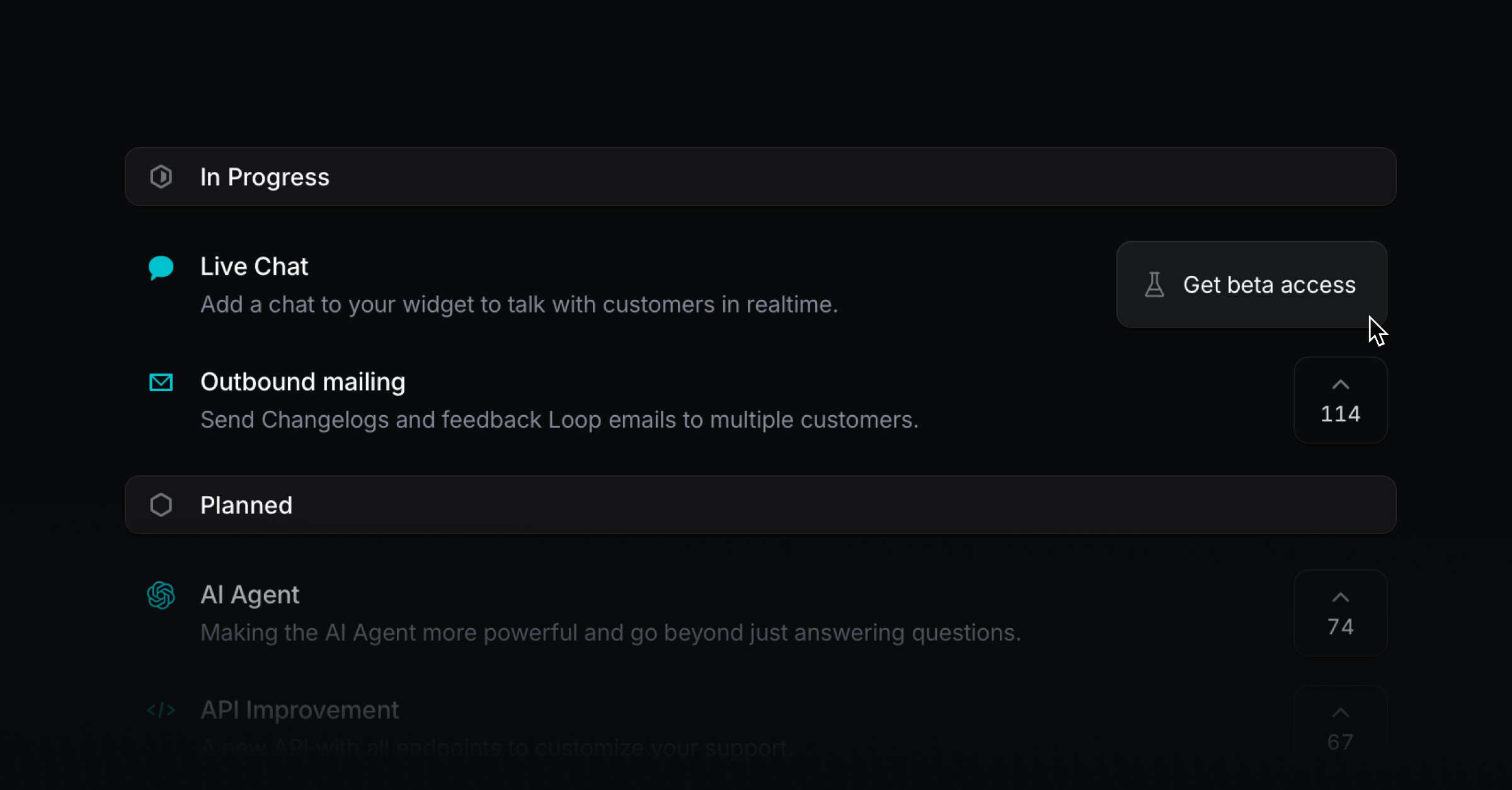
You can now turn the upvote button on your feedback portal into a “Get beta access” button so customers can request access easily. Clicking it creates a message from that user that you can answer manually or automate via the API. Just open a Linear project in Productlane and press the “Beta” switch to make that button appear.
Upvote context
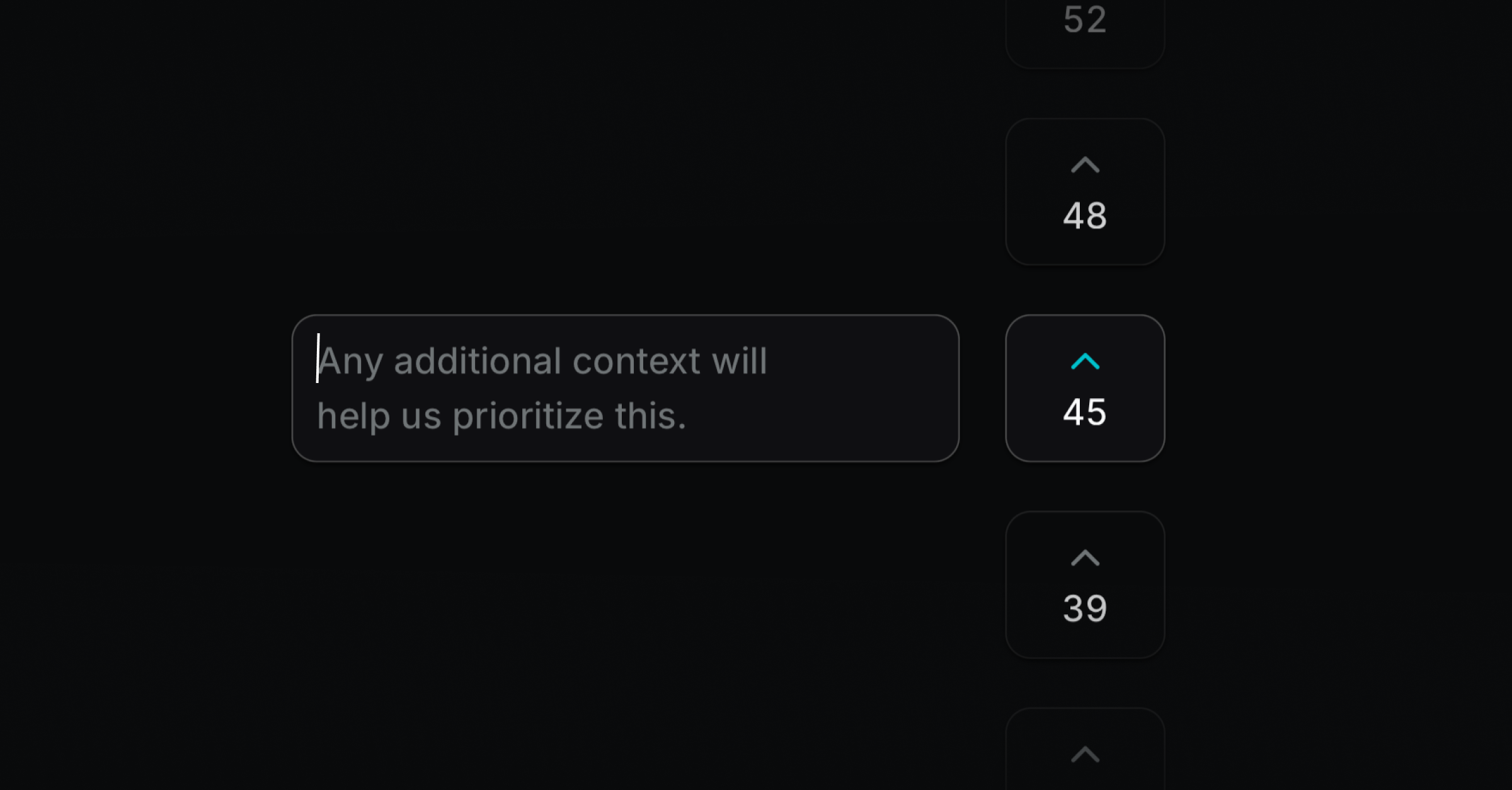
Written feedback is more valuable than a simple upvote. After users upvote on the feedback portal, they now see an input field to add context. We also made the portal animations feel smoother.
Was this helpful?