Productlane changelog
Conversation timeline
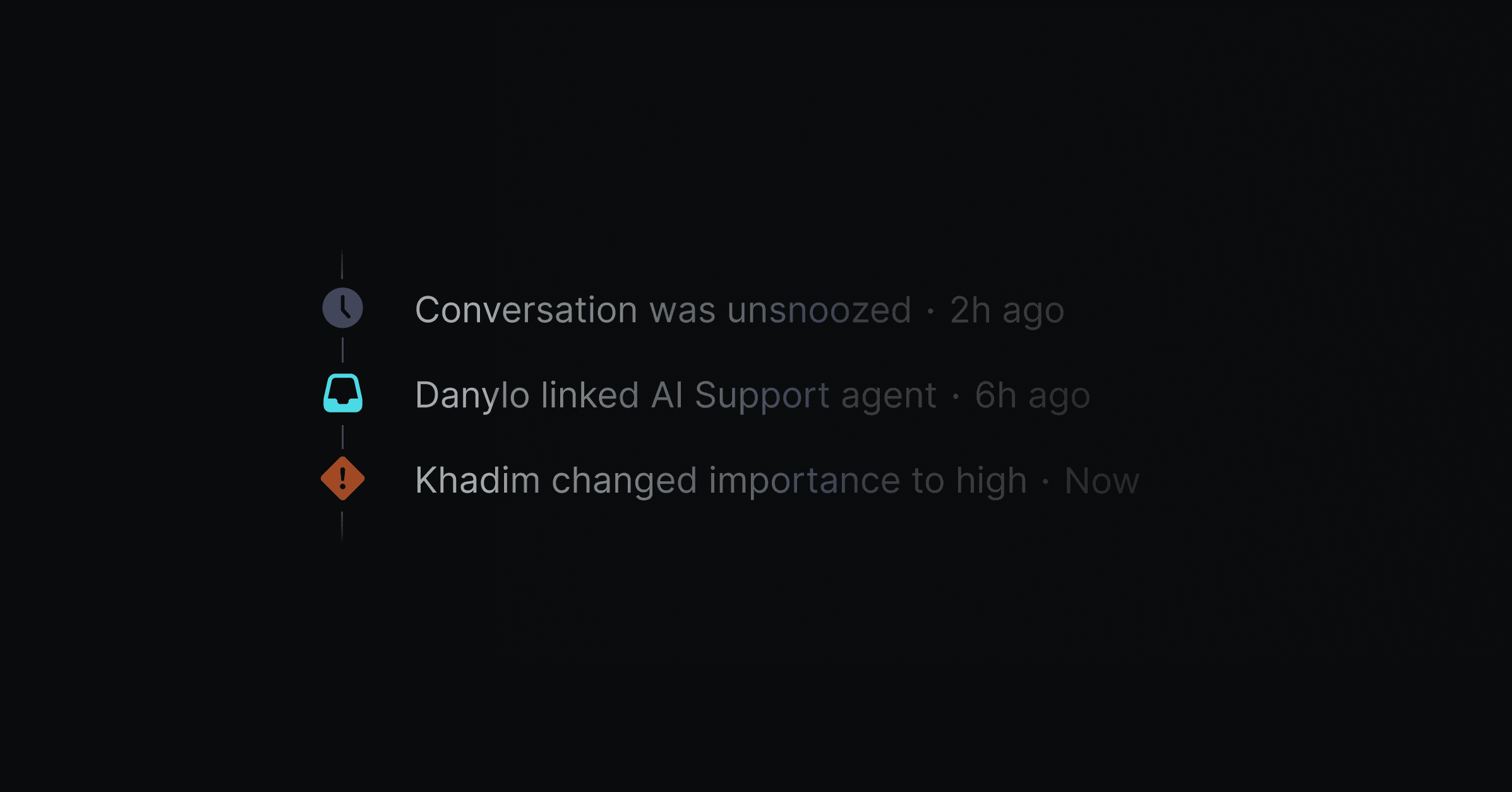
Track the history of any conversation with a clear timeline. You can view events like status changes, assignee updates, Linear links, AI actions, and customer replies in one place. This helps you understand what happened and when, so you can get back to customers faster.
We’re also introducing Email and Slack auto-replies, Auto-assignments, and help center performance improvements in this update.
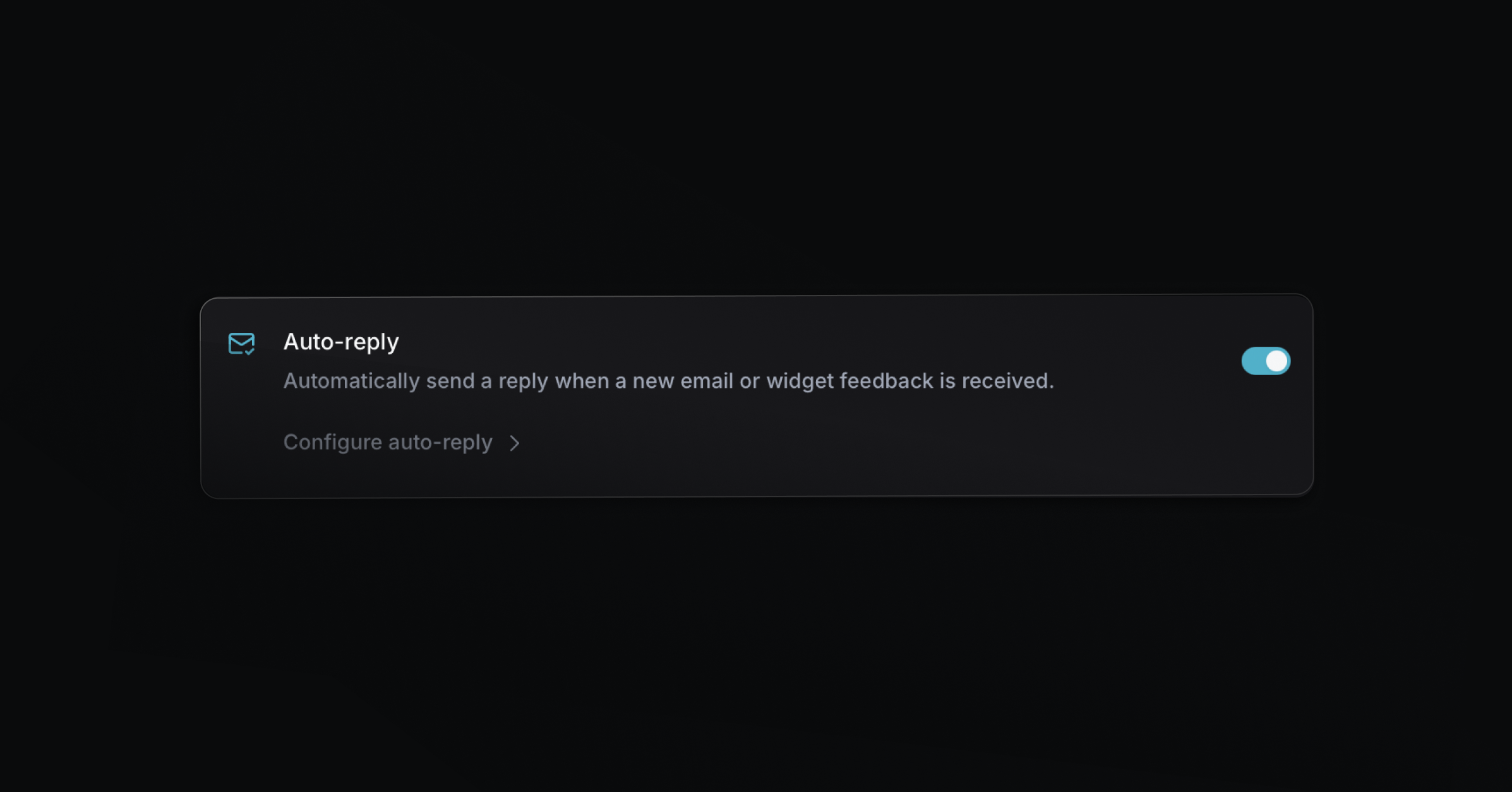
Email and Slack auto-replies
Send automatic replies for new messages across email and Slack connect channels. Configure the template and working hours in Settings → Email -> Auto-Reply.
Help Center and portal performance improvements
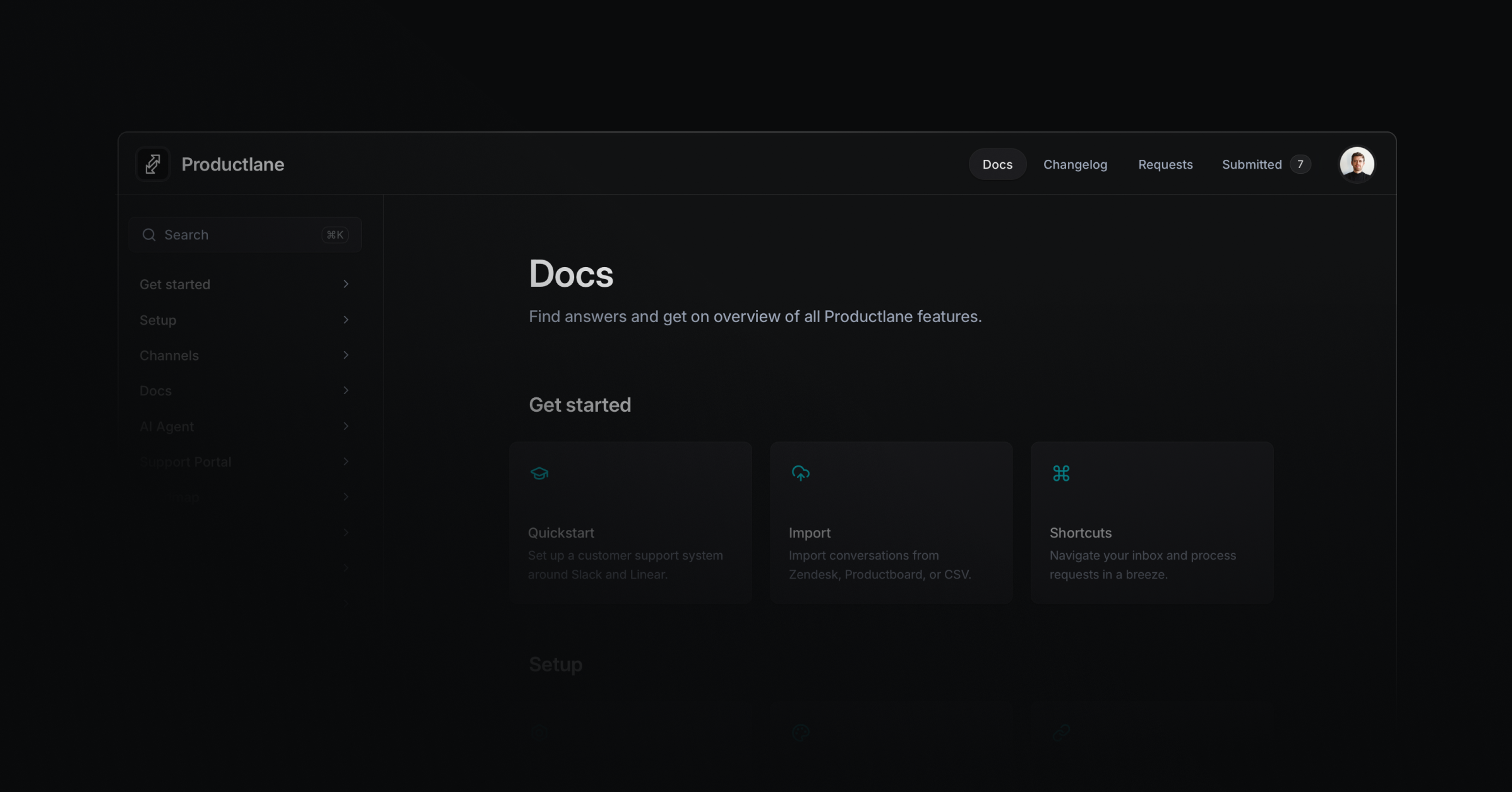
While the Productlane app is almost instant in every interaction, the portal was always slower than we wanted it to be. So we spent a large amount of time to speed it up. It does still not have a sync engine as it’s more optimized for instant initial load, but it’s still much faster now across the whole portal.
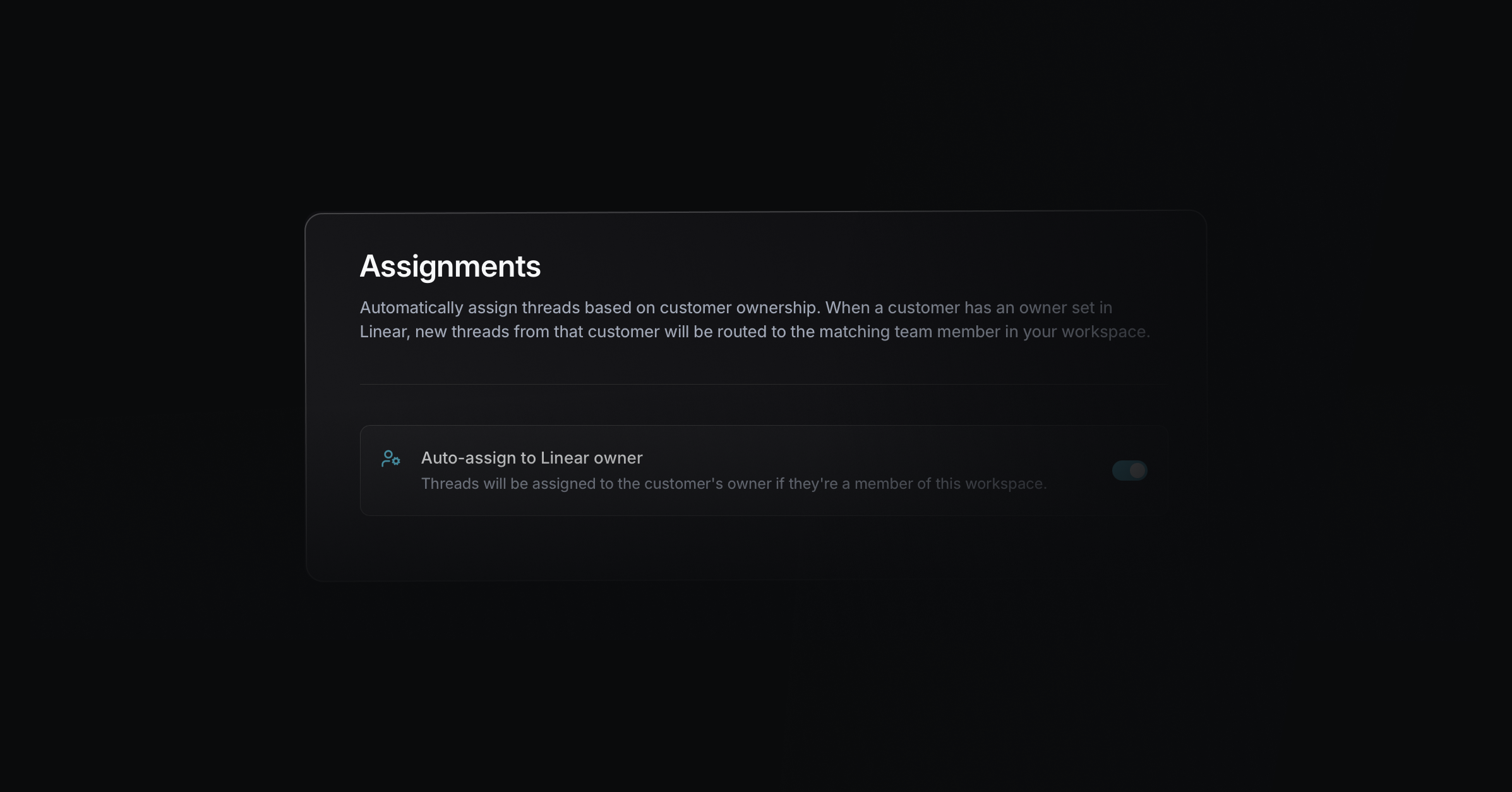
Auto-assignments
We also released the first version of Auto-Assignments. You can define the owner of a company and activate that all new messages from that customer are assigned to that owner automatically. The company owner is synced with Linear, of course. Go to Settings → Assignments to configure.