
Productlane changelog
Support inbox
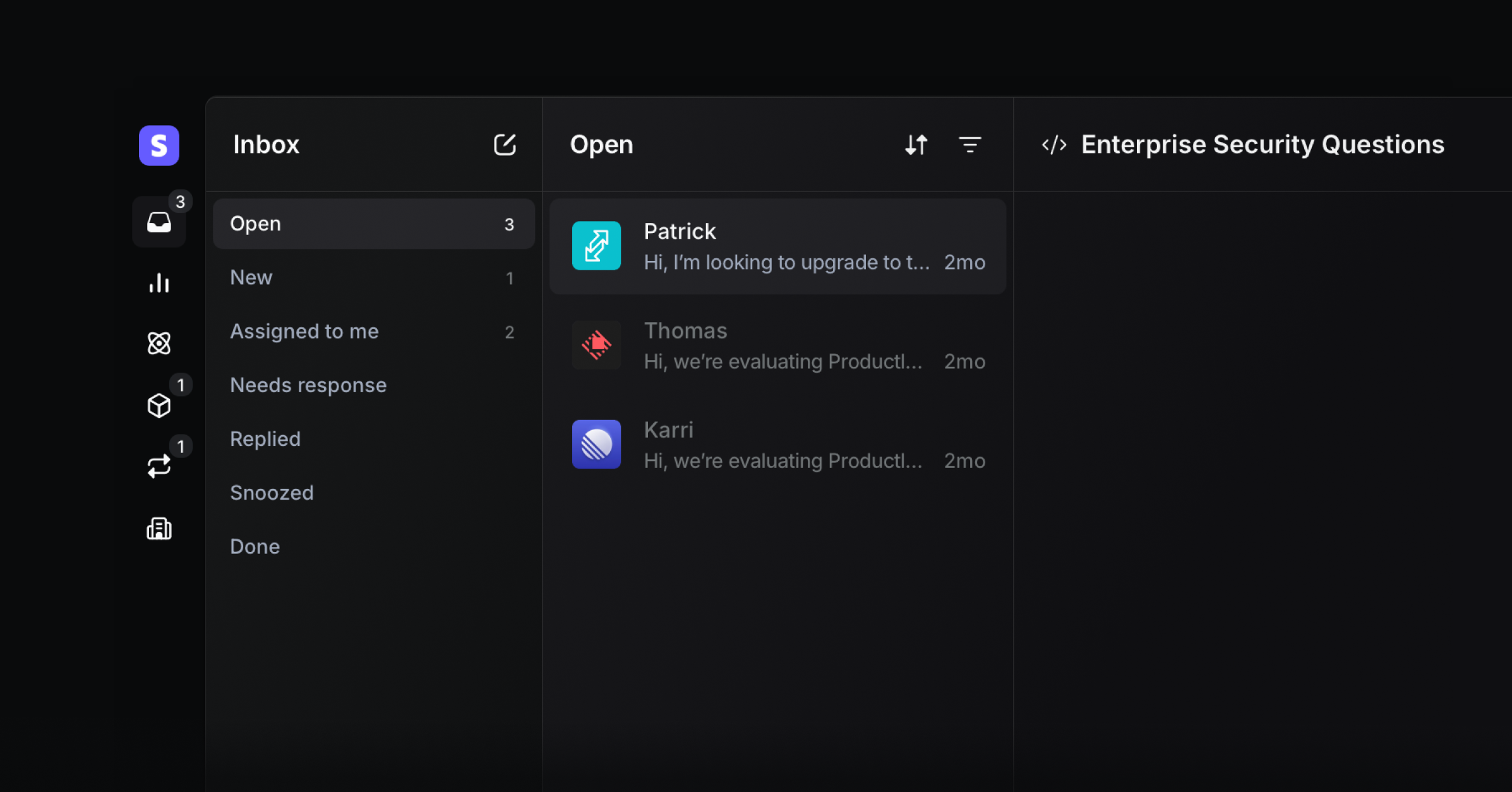
We rebuilt the Inbox from the ground up to help you triage support requests faster and stay on top of conversations. A three-panel layout keeps tabs, thread list, and full conversation visible so you get to inbox zero without feeling overwhelmed. The new Inbox is designed to handle large support volume with calm and focus.
Keyboard-first navigation
Move through the inbox without touching your mouse. Use ↑ and ↓ or 1,2,3.. to navigate threads, and Cmd + ↑/↓ to jump to the top or bottom. Tab and Shift + Tab to cycle through inbox tabs, X to toggle multi-select, and mark threads unread with Alt + click.
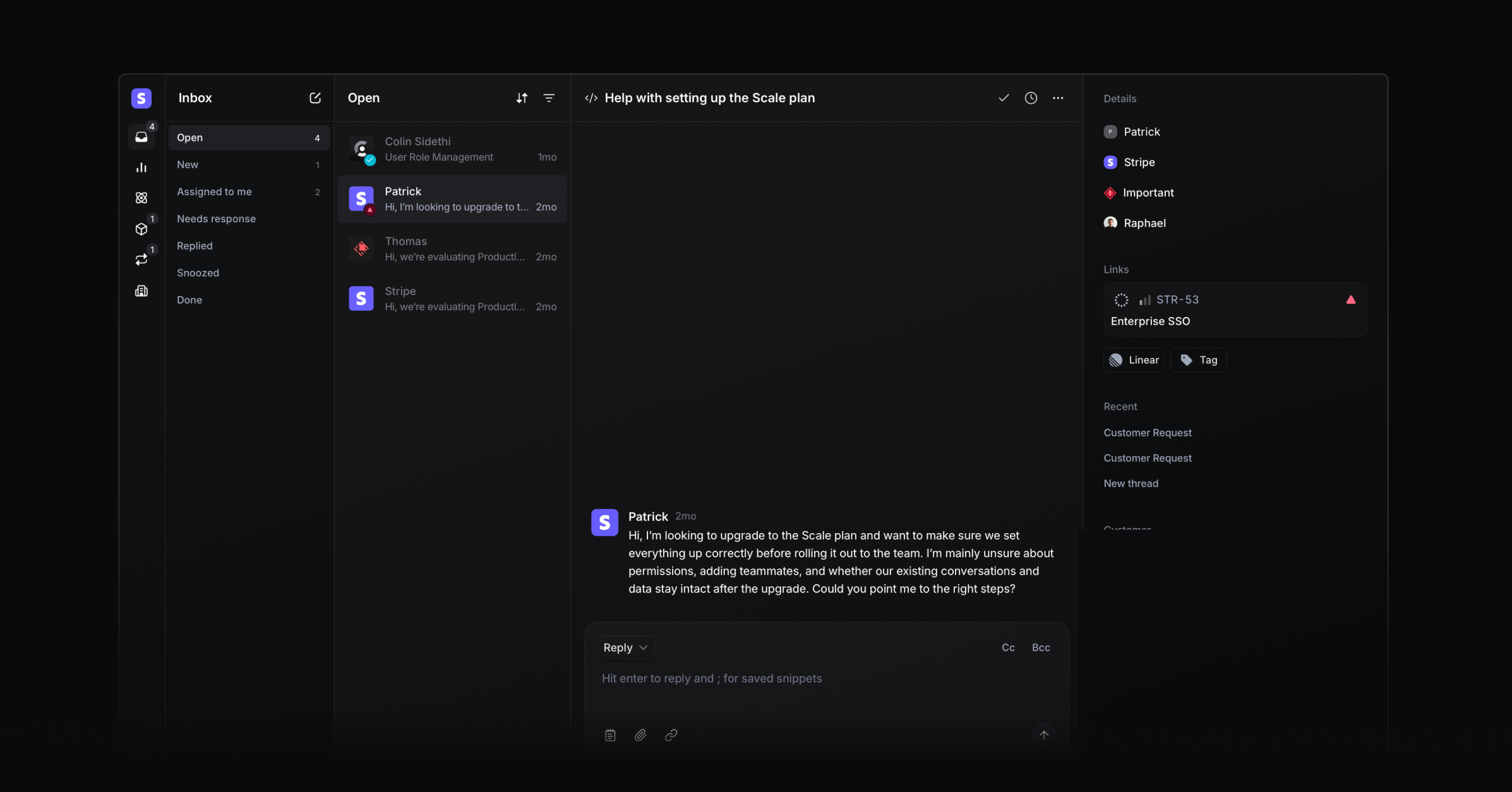
Focused conversation sidebar
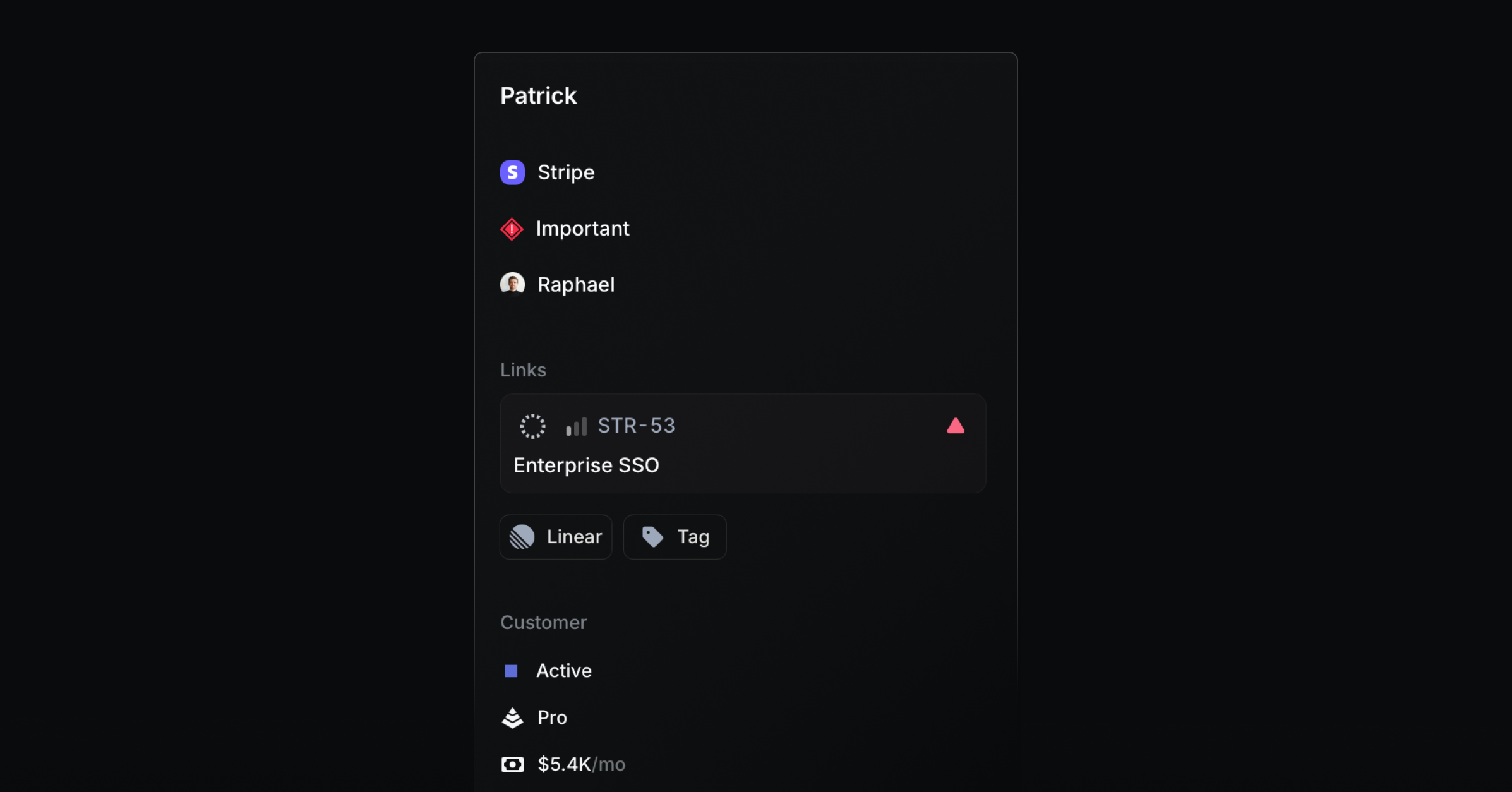
The right sidebar now highlights what helps you respond more clearly. The person and company selector is now combined, assignee and priority are added, and the Project and issue selection is now more visible and available in a single dropdown, so nothing stands in your way when communicating with customers.
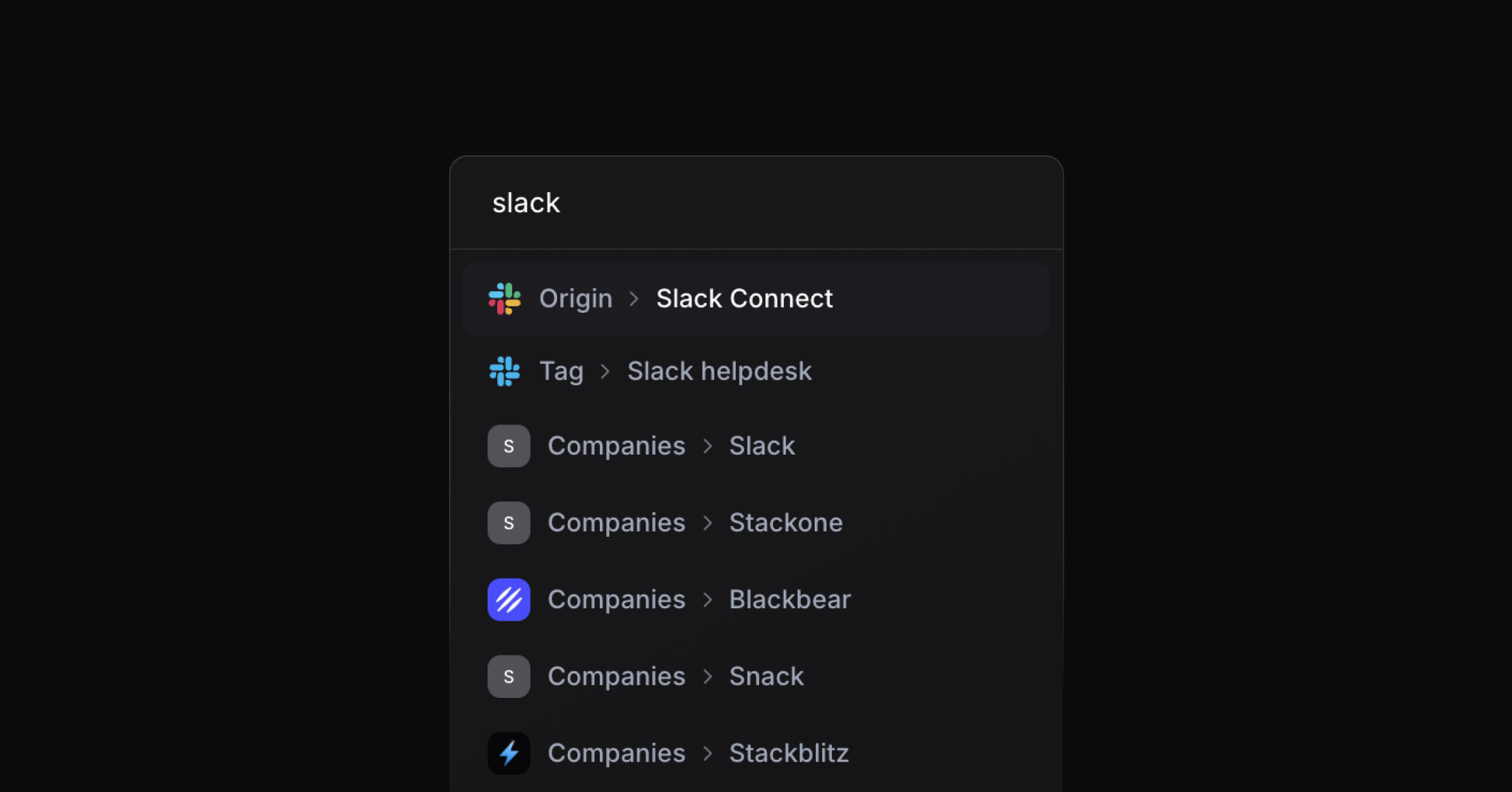
Instant filter search
The filter dropdown now directly searches through all potential filter results. Start typing to search all results at once. They are grouped by category, and you can toggle filters off directly from the search results.
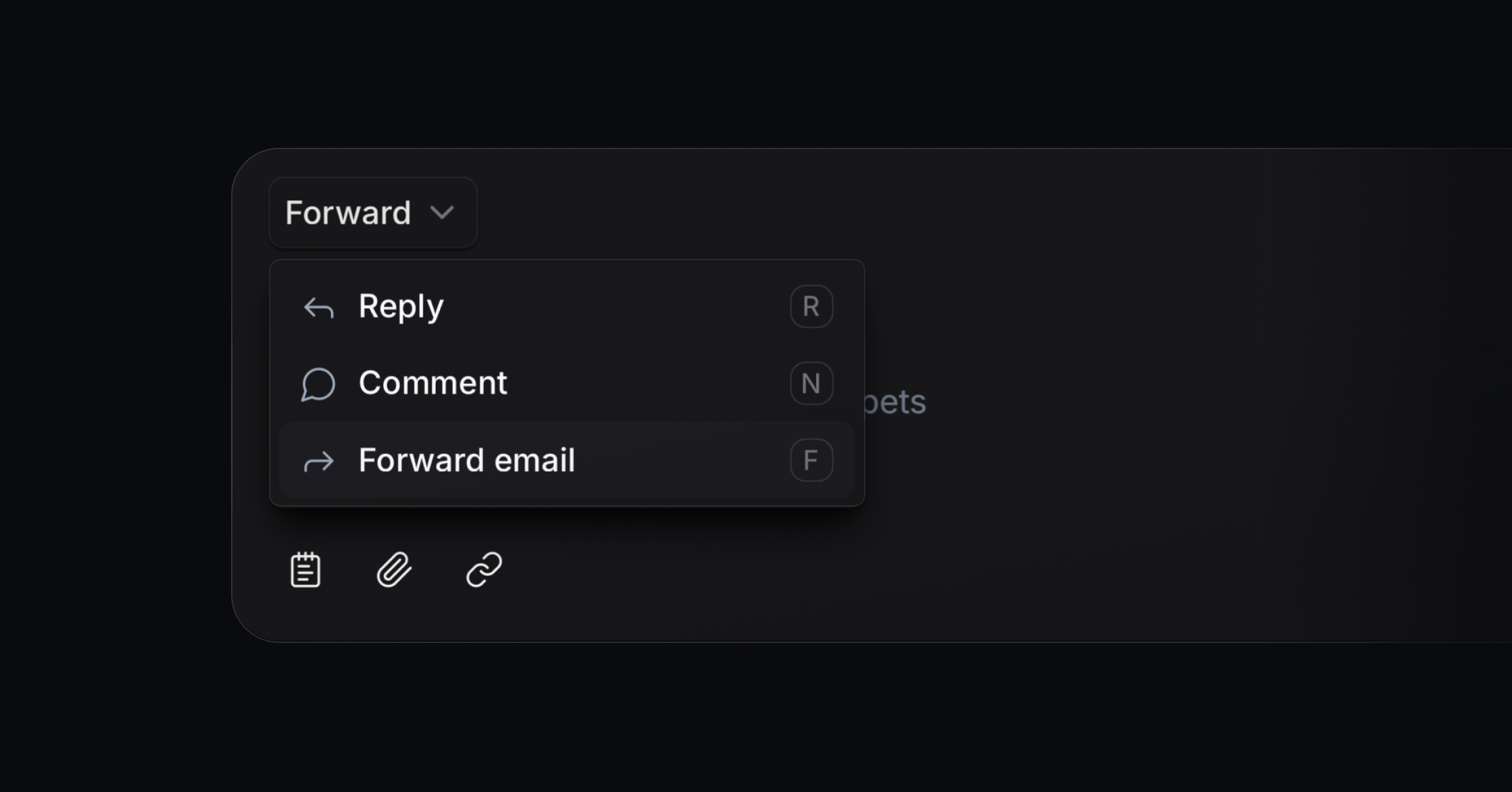
Email forwarding
You can now forward your emails. Just press F in your inbox to quickly add the forwarding address and create a new thread.
JWT-secured Widget
Protect conversations that start in your widget with signed JSON Web Tokens. You can verify a user’s identity, prevent spoofed emails, and set token expirations so only real users can create messages. Enable it in Settings → Widget.
Context-aware AI Agent in the widget
Pass dynamic context to the AI Agent in the widget for more precise answers. The assistant now considers the page a user is on, so if they ask, „What can I do here?“, the AI agent can see on which page the user is and what they are likely trying to do.
Improvements and fixes
Docs: Clarified docs structure and fixed broken references for quicker answers
Custom project status: The project status is now synced with the real Linear status instead of the status group.
Blocklist: Blocks all new requests from all sources, like the portal
Slack: Emoji support for Slack
Editor: Made the editor translatable for localized UI copy
Notifications: Verified Outlook rendering for Changelog broadcasts
Portal: Blocked email senders now also apply to Portal and Widget
Settings: Added option to attach a link to the Public beta toggle
Settings: Upgraded General and User settings pages for clarity and speed
Bug: Fixed project publishing that could silently fail
Bug: You can edit a contact’s name without errors
Changelog: Fixed dark mode rendering for broadcasts in Spark mail client
Slack: Improved Slack formatting for emails shared to channels
Slack: Cleaned up Slack message formatting for consistency
Widget: Fixed Safari iframe border rendering