
Productlane changelog
AI Chat

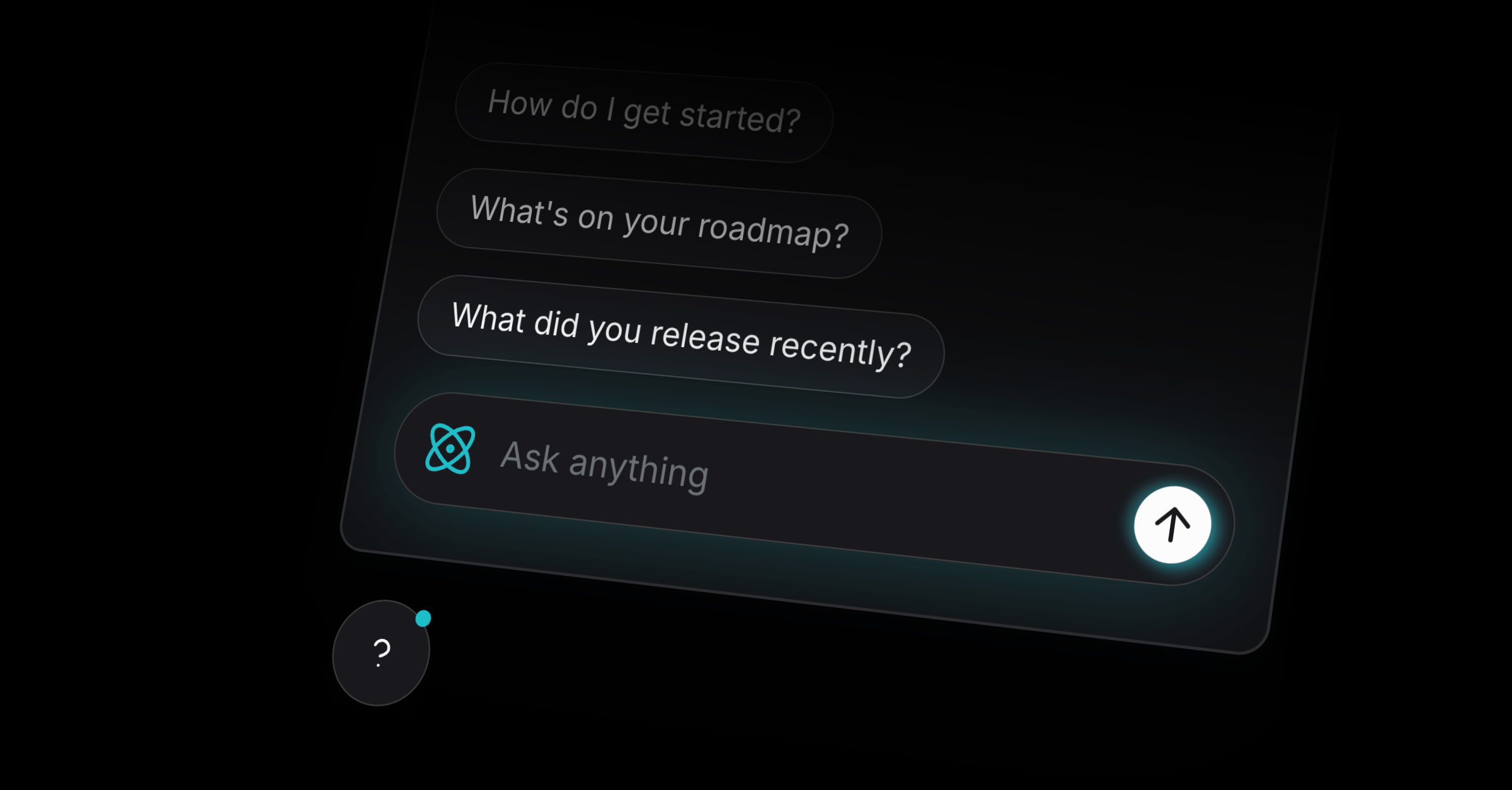
We’re excited to release AI Chat today. It gives your customers instant answers from your Productlane Help Center, Changelog, and all your public Linear projects and issues. Industry benchmarks show ~50% resolution rates for support conversations, and we got even higher resolution rates during beta, so we're happy to launch it into public availability today. Go toSettings → AI Chat to enable this feature, which is available on our Pro and Scale plans.
Built to work perfectly with Linear
Especially in B2B, most customer requests are product-related: Bug reports or feature requests that belong into Linear. AI Chat connects seamlessly with Linear Issues, public projects on your Productlane Portal, and completed items from your Changelog. This gives customers one place to ask about future, current, and past features. If they ask how to set up a feature that does not exist yet, but is on the roadmap, they now know about this.
Integrated into your widget
AI Chat can be embedded as a widget alongside your Help Center, Changelog, and Live Chat. Answers that include citations from your Help Center open directly in your widget.
Clearly separating humans and AI
AI Chat is kept distinct from your human support flow, so customers always know who they’re talking to. This avoids the “AI wall” many tools create and ensures urgent bugs and requests reach your team directly.
Weekly AI Chat summaries
Every week, Productlane gives you a summary of all asked questions and their responses. So you can identify missing doc articles and improve coverage instantly. Just open the right doc article with CMD + K to update it and improve the AI responses in the future.
Live Chat Public Beta
We have more great news: Live Chat is now in public beta. After activating it, your Widget contact form will turn into a chat. You can activate it without needing to change anything with your embedded widget script here in Settings → Live chat.
Improvements
Portal: Clicking on items is now smoother and opens on the right
Linear: Added revenue formatting option (annual/monthly)
Docs: Improved visualization for code blocks
Docs: Improved search performance and caching
Docs: SEO optimizations on main pages
Docs: Improved contrast and typography
Widget: Font size increased for readability
Widget: Menu spacing and animations improved
Settings: Added “How it works” button to all settings pages
Comments: Improved design and consistency
Roadmap: Responsiveness improvements
Settings: Tooltips added to pricing page; invoice button added to plans page
Inbox: Sorting and section structure improved
Threads: Improved creation events and title limits
Email: Improved the unsubscribe button
General: Multiple UI updates across portal, widget, and docs
General: Viewers can now see members
Fixes
Docs: Resolved overflow in titles
Docs: Fixed feedback input focus on mobile
Docs: Fixed line height and spacing issues
Docs: Fixed border radius in widget search
Docs: Fixed dark mode for error pages
Docs: Fixed group auto-open behavior after reload
Changelog: Fixed spacing, hover states, and small browser width bugs
Changelog: Added a missing close button on notifications
Widget: Fixed dark mode issues on Safari
Widget: Fixed offset and spacing when docs are disabled
Widget: Fixed close button behavior on mobile
Widget: Fixed UI spacing and auto-save for settings
Widget: Fixed small black square artifact
Widget: Fixed docs menu animation
Inbox: Fixed issues not showing when all were done
Inbox: Improved comment and message handling
Roadmap: Fixed cutoff content and small-screen bugs
Portal: Fixed modal text and sign-up issues
Portal: Fixed navigation width and responsiveness
Portal: Fixed caching and loading issues
Threads: Fixed mobile issues, alignment, and message capture
Threads: Fixed duplication from missing Slack user IDs
UI: Fixed numerous spacing, alignment, and border radius issues
UI: Fixed color, icon, and contrast inconsistencies
UI: Fixed scrollbar, overlap, and shadow issues
UI: Fixed broken forms and misaligned inputs
Emails: Fixed quote differentiation and font stripping
General: Fixed local storage limit for files
General: Fixed broken attachments and file loading
General: Fixed session token handling
General: Fixed data export formatting
General: Fixed MRR rounding